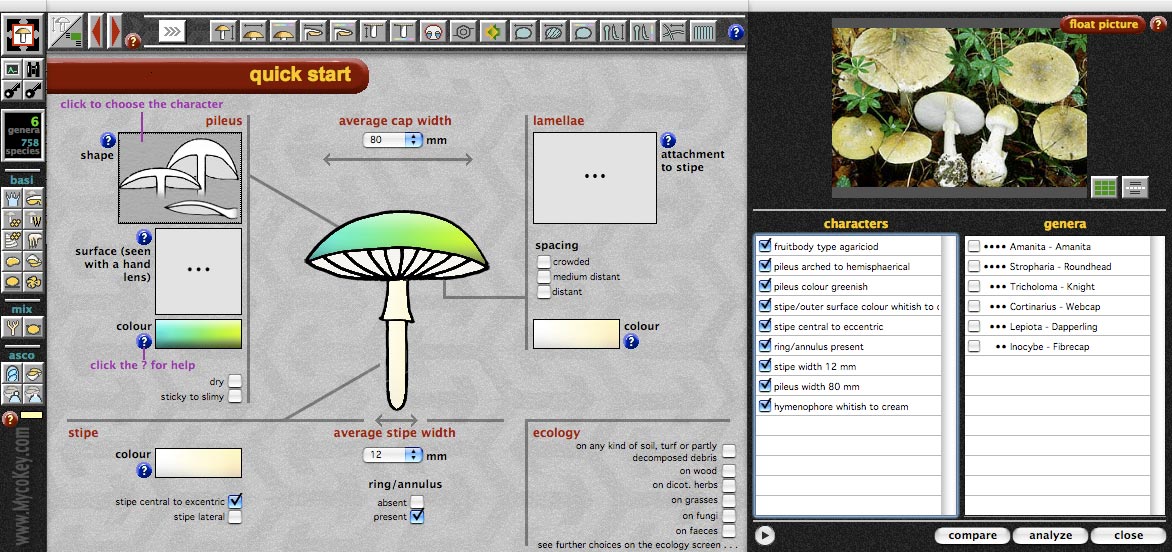
A
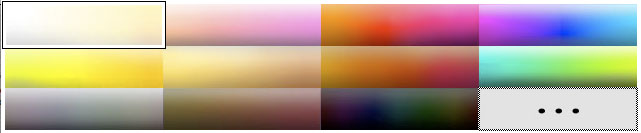
click on a character area opens a popup box like the below colour
box:
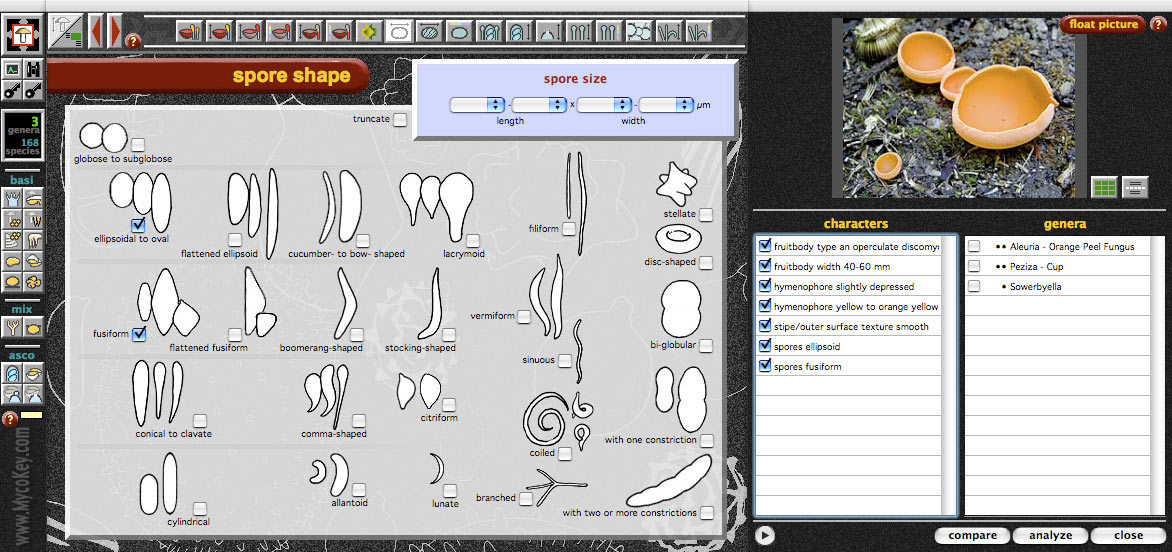
If the character set on the »quick
search screen« is not sufficient you can continue to more detailed
|
A
click on a character area opens a popup box like the below colour
box:
If the character set on the »quick
search screen« is not sufficient you can continue to more detailed
|